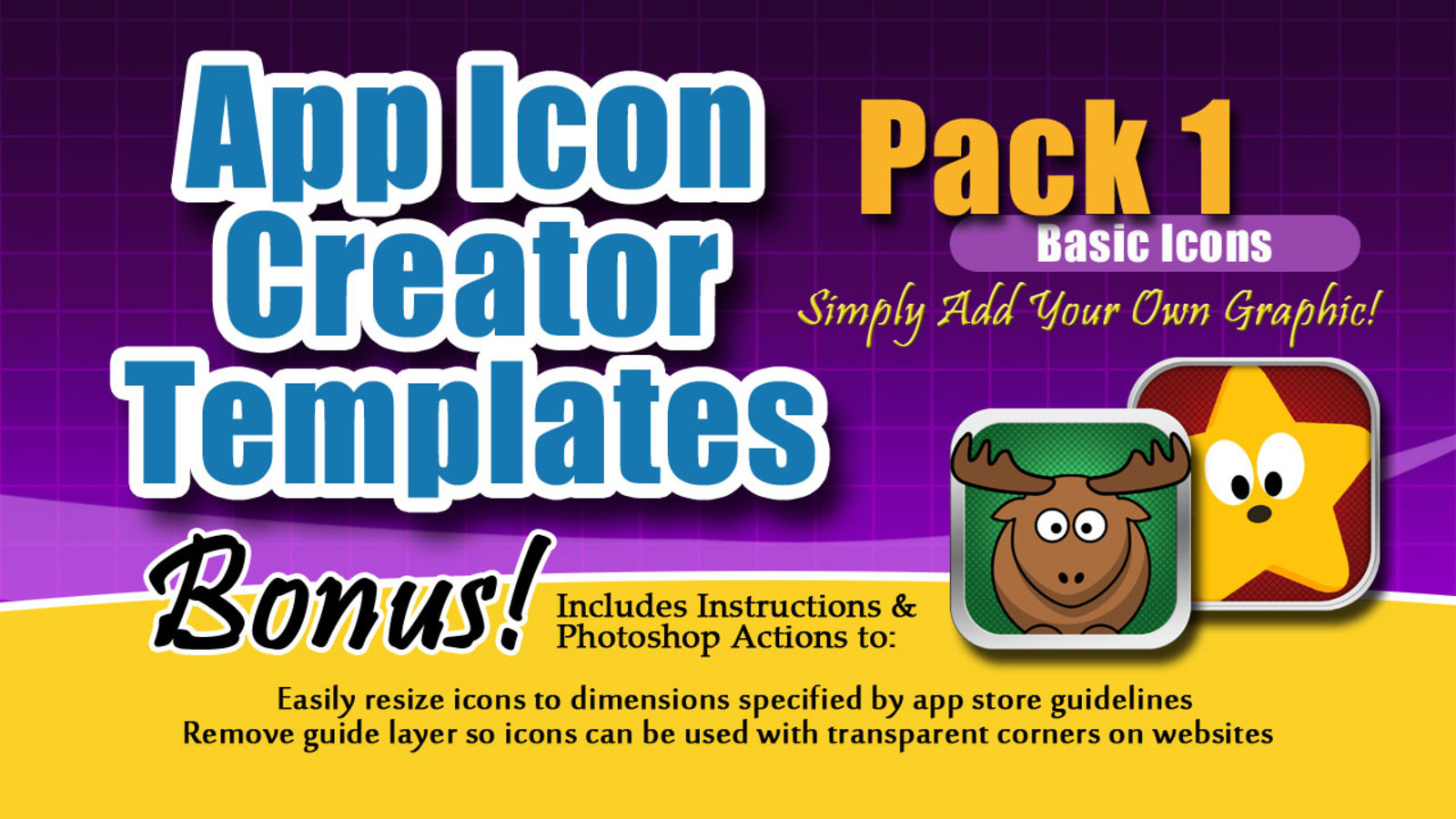
Professional Icon Template Pack 1 - Must Have
App Icon Creator - Pack 1
Create beautiful app icons in Photoshop the easy way!
Designed for iOS 7 and higher!
Introducing the app icon template that helps you create high-quality professional looking icons in minutes. Eliminate the designer and create icons on your own! Simply choose your frame, background and optional texture then add your own image. Thousands of variations available for a unique looking icon with every design.
Pack 1 includes two Photoshop templates complete with instructions. These templates are Basic icons suitable for almost any app. Even though the name is Basic, there are plenty of features to be found with these templates for a unique look every time.
You’ll be able to reuse the templates again and again or test your icons easily on your own!
Bonus Photoshop Actions
Includes actions to resize your icon to 512x512, 152x152, 120x120, 76x76 and more with one click.
Includes Photoshop Actions to easily remove corners on your icon in a single click and generate an icon with transparent background for use on websites and video.
Template Features
1024x1024 resolution
Layered Photoshop file
Guide layer to view rounded corners
Pre-built frames in different thicknesses and styles
Pre-built backgrounds in various colors and styles
Pre-built texture overlays for backgrounds
Customizable frame colors
Customizable background colors
Detailed instructions
Uncut corners (ready for upload)
Easy to use!
Your icon is the first thing potential customers see when they browse the app store. Give your app the advantage to generate more downloads!
**Adobe Photoshop CS2 or higher required**
| Product Description | Price | Add to Cart |
|---|---|---|
Professional Icon Template Pack 1 - Must HaveApp Icon Creator - Pack 1 Create beautiful app icons in Photoshop the easy way!Designed for iOS 7 and higher! Introducing the app icon template that helps you create high-quality professional looking icons in minutes. Eliminate the designer and create icons on your own! Simply choose your frame, background and optional texture then add your own image. Thousands of variations available for a unique looking icon with every design. Pack 1 includes two Photoshop templates complete with instructions. These templates are Basic icons suitable for almost any app. Even though the name is Basic, there are plenty of features to be found with these templates for a unique look every time. You’ll be able to reuse the templates again and again or test your icons easily on your own! Bonus Photoshop Actions Includes actions to resize your icon to 512x512, 152x152, 120x120, 76x76 and more with one click. Includes Photoshop Actions to easily remove corners on your icon in a single click and generate an icon with transparent background for use on websites and video. Template Features 1024x1024 resolution Layered Photoshop file Guide layer to view rounded corners Pre-built frames in different thicknesses and styles Pre-built backgrounds in various colors and styles Pre-built texture overlays for backgrounds Customizable frame colors Customizable background colors Detailed instructions Uncut corners (ready for upload) Easy to use! Your icon is the first thing potential customers see when they browse the app store. Give your app the advantage to generate more downloads! **Adobe Photoshop CS2 or higher required** |
$10 |

